

How do password managers work? They store account credentials in an encrypted vault and fill them on the correct website or app. This allows every account to use a long, unique password without requiring a person to memorize dozens of random strings.
The idea can sound risky: why put many passwords in one place? The practical answer is that reused and predictable passwords already create one point of failure across many accounts. A well-designed manager protects the vault with strong encryption, isolates each account password and makes safer behavior convenient.
Quick answer: A password manager encrypts your saved credentials and unlocks them with a master password, device security or another approved method. It can generate unique passwords, recognize the website where each one belongs and synchronize the encrypted vault across devices. You still need a strong master password, multifactor authentication, updates and a recovery plan.
How Do Password Managers Work? Key Facts at a Glance
| Function | Why it helps |
|---|---|
| Generate | Creates long, random passwords without memorable patterns |
| Store | Keeps credentials in an encrypted vault |
| Autofill | Matches a credential to the intended domain or app |
| Synchronize | Makes an encrypted vault available across approved devices |
| Audit | Flags reused, weak or known-exposed passwords |
| Share | Can provide controlled access without sending a password in chat |
How the vault is protected
Before credentials are stored, the manager encrypts them into data that is unreadable without the correct key. A key-derivation function turns the master password into cryptographic material while deliberately requiring computation. This makes each guessing attempt more expensive than simply hashing the password once. This raises an important question: how do password managers work without exposing the vault’s contents to the provider?
Services often add a unique salt so equal master passwords do not produce equal stored values. Some use an additional device or account secret. The exact architecture matters, and “military-grade encryption” is not enough information. Look for published security design, independent audits, a vulnerability-reporting process and prompt updates.
NIST’s current authentication guidance supports allowing password managers and pasted passwords because they help users choose stronger, distinct secrets.
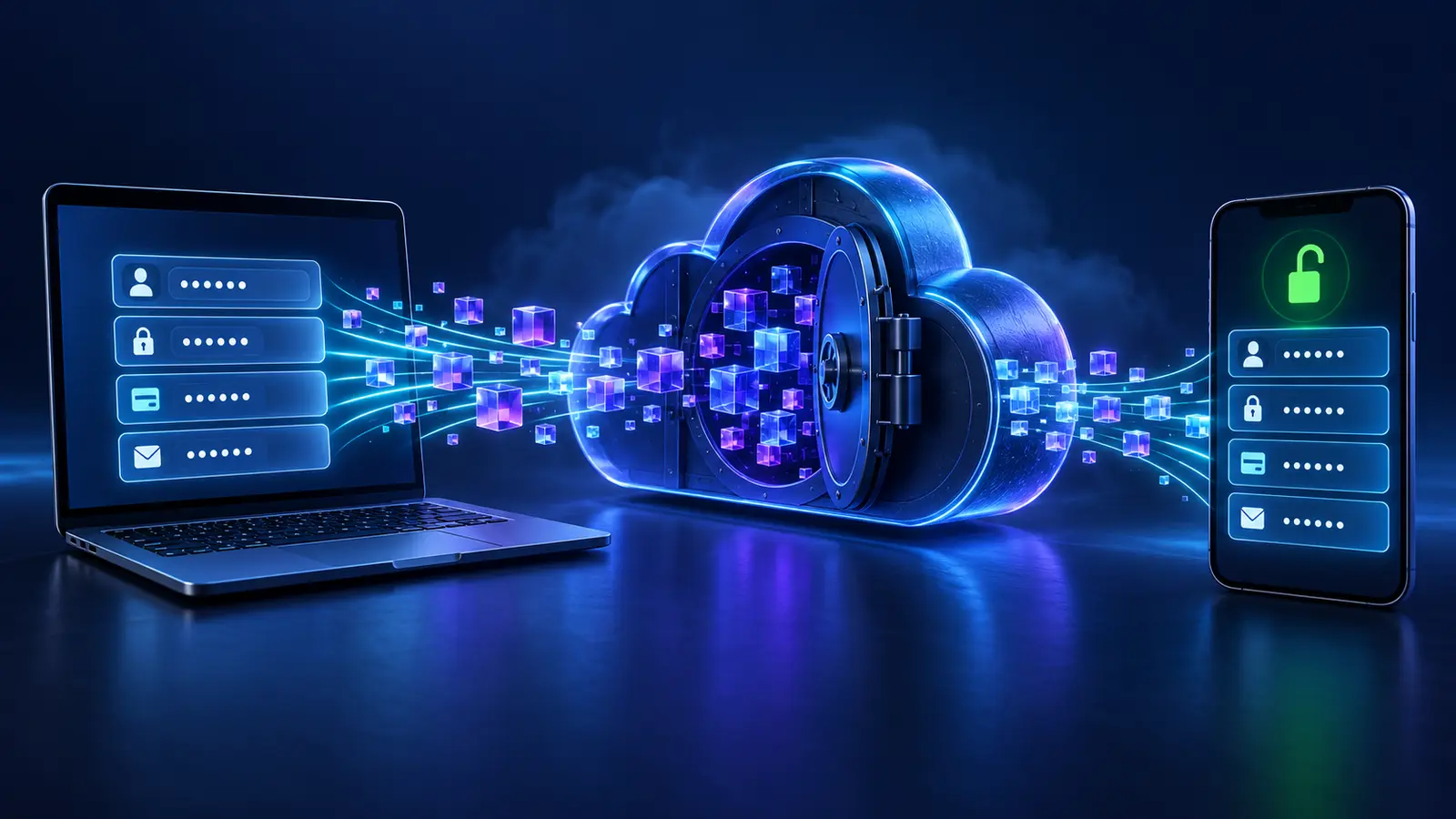
What does zero knowledge mean?
Providers often say they use a “zero-knowledge” design, meaning the service is intended not to possess the key needed to decrypt the vault. Encryption and decryption occur on the user’s trusted devices. The server stores synchronized encrypted data.
This does not mean the company literally knows nothing. It may hold account email, subscription data, device information and connection logs. Nor does it guarantee flawless software. Read the provider’s technical explanation and privacy policy instead of relying on the phrase alone.
Cloud, browser and local managers
When comparing different products, people often ask: how do password managers work across browsers, devices and operating systems?
| Type | Strength | Consideration |
|---|---|---|
| Browser or operating-system manager | Convenient and integrated | Best experience may remain inside one ecosystem |
| Independent cloud manager | Cross-platform apps, sharing and administration | Creates a provider account that needs strong protection |
| Local/offline vault | User controls the file and synchronization | Backups, conflict resolution and updates require more care |
| Enterprise manager | Policies, access control and offboarding | Organization must configure and monitor it correctly |
No type is universally safest. A local vault can be lost or copied; a cloud service can be targeted; a browser profile can be exposed on an unlocked device. The better choice is a reputable, updated tool that fits the user’s devices and recovery ability.
Why unique passwords matter
When a breached service exposes credentials, attackers test the same email and password on other sites. This is credential stuffing. If every account has a different random password, one breach remains mostly contained.
CISA recommends long, random, unique passwords and a password manager. SOAKJAM’s password generator can create a strong password locally, but a manager adds secure storage and automatic matching so the unique password remains usable.
Autofill can help detect phishing
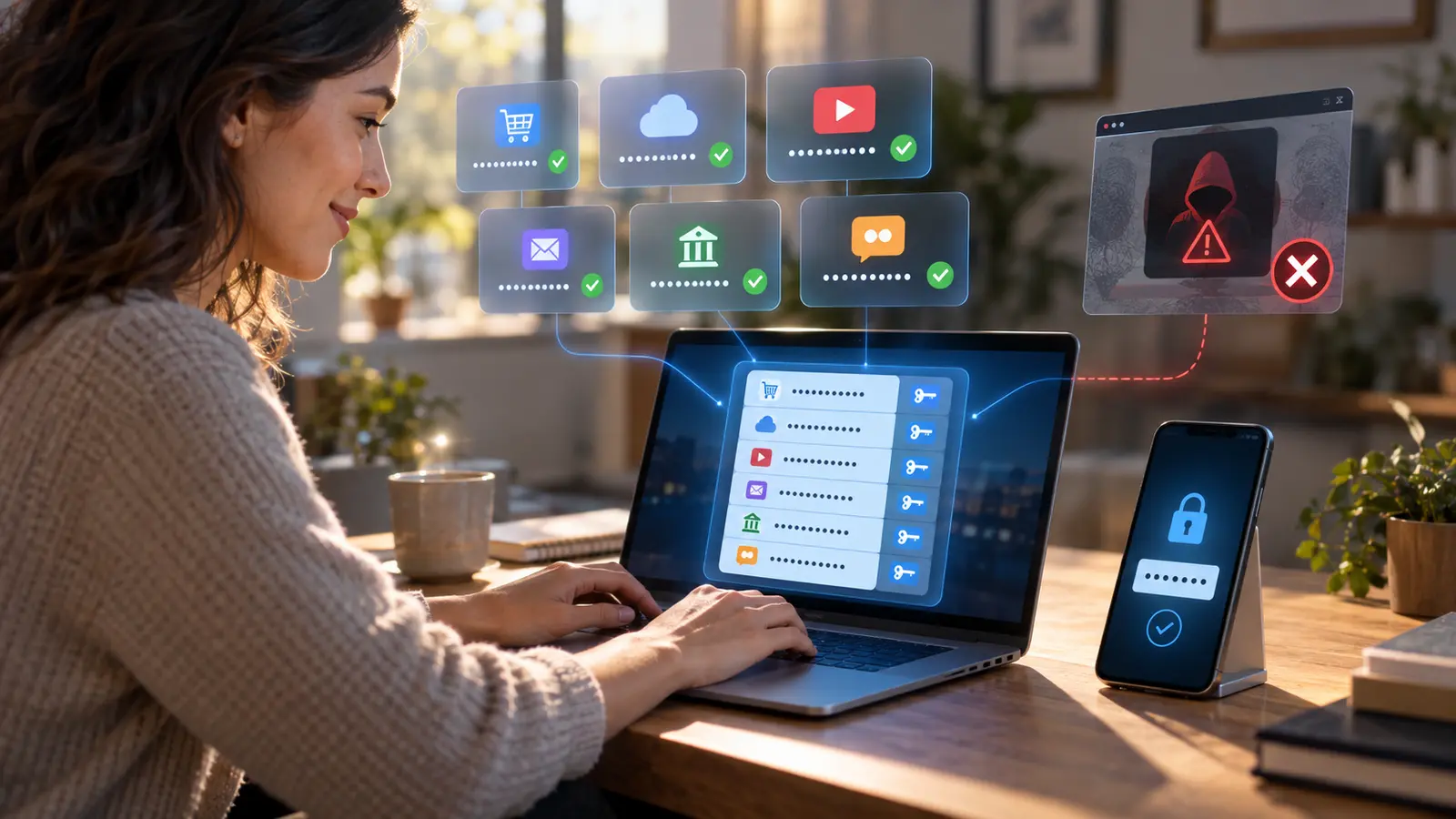
A password manager associates a login with a domain. If a fake page uses a lookalike address, the manager may not offer the saved credential. That pause is useful: inspect the full domain instead of copying the password manually.
Autofill is not perfect protection. A compromised legitimate page, malicious extension or overly broad matching rule can still create risk. Keep the manager and browser updated and avoid forcing autofill on a site it does not recognize.
How to choose a password manager
- Supports every operating system and browser you actually use.
- Uses strong, documented encryption and key derivation.
- Offers multifactor authentication, preferably phishing-resistant options.
- Has clear export, backup and account-recovery procedures.
- Publishes security audits or meaningful technical documentation.
- Provides timely security updates and a responsible disclosure channel.
- Explains pricing and what happens if a subscription ends.
- Allows safe sharing and emergency access if you need those features.
The UK National Cyber Security Centre’s password-manager guidance recommends using built-in or standalone managers and protecting the account carefully. Do not choose solely from affiliate rankings.
Creating the master password
The master password must be strong and not reused anywhere. Length is valuable. A sequence of several unrelated words can be easier to type and remember than a short string packed with substitutions. Do not use a familiar quotation, personal fact or phrase already used online.
If the manager uses a separate recovery key, store it offline in a secure place. Never save the only recovery copy inside the vault it is meant to recover. For a family or business, document who can access emergency recovery and under what conditions.
Multifactor authentication
Enable multifactor authentication for the password-manager account. A passkey or hardware security key offers strong phishing resistance when supported. An authenticator app is generally preferable to no second factor. Keep backup codes offline.
Storing one-time codes in the same manager is convenient. It also means that an unlocked vault can provide both password and code. Some users accept this trade-off; higher-risk users may keep the second factor on a separate authenticator. Define the threat you are trying to reduce.
Moving existing accounts safely
- Install the manager from its official source and update the device.
- Create the master password and recovery plan.
- Enable multifactor authentication.
- Import existing passwords if needed, then securely remove the unencrypted export file.
- Change the email account, financial accounts and primary device accounts first.
- Replace every reused password with a generated unique one.
- Save recovery codes and verify them.
- Review the vault’s weak and exposed-password report over time.
Do not try to change every account in one exhausting session. Prioritize accounts that can reset others: email, mobile carrier, cloud storage and identity providers.
What happens if the provider is breached?
A breach can expose account metadata, encrypted vaults or software weaknesses. Strong client-side encryption and a strong master password make stolen encrypted data harder to use, but they do not make a breach irrelevant.
Read the provider’s incident notice directly. Update the app, rotate credentials if instructed and watch for phishing that uses breach information. A long master password provides more resistance against offline guessing than a short one.
What if you forget the master password?
In a design where the provider cannot decrypt the vault, support may be unable to recover it. Recovery might depend on another signed-in device, an emergency contact, organization administrator, recovery key or account-reset process that deletes the old vault.
Test recovery while you still have access. A secure system that cannot be recovered by its owner becomes a data-loss problem; an easy recovery process that bypasses encryption becomes a security problem. Good products explain the balance.
Shared and business credentials
Do not send shared passwords through email or chat. Use a manager’s sharing feature so access can be revoked and updated. Prefer individual accounts with role-based permissions where a service supports them; shared credentials reduce accountability.
When someone leaves a team, revoke membership, rotate truly shared secrets and review administrative access. The password manager supports this process but does not replace an offboarding policy.
Common mistakes
- Reusing the master password.
- Keeping the only recovery key inside the locked vault.
- Leaving an exported CSV of passwords in Downloads or cloud storage.
- Installing a lookalike browser extension from an unofficial source.
- Ignoring update notices.
- Manually pasting a password into a domain the manager does not recognize.
- Treating “zero knowledge” as proof of complete privacy and security.
Frequently asked questions
Is a password manager safer than a notebook?
For most online use, it provides unique generation, domain matching, encryption and synchronization. A securely stored paper recovery record can still be a useful backup.
Can someone see passwords if they steal my phone?
A locked, updated device and vault create barriers. An unlocked device, weak screen lock or malware can reduce them. Remove a lost device from trusted sessions promptly.
Should I save my bank password?
A unique stored password is generally safer than a reused memorable one. Protect the vault strongly and follow the bank’s current authentication guidance.
Can the manager change passwords automatically?
Some can on supported sites, but reliability varies. Confirm that the new credential was saved and the account still works before closing the page.
Will passkeys replace password managers?
Managers increasingly store passkeys as well as passwords. During the transition, one credential manager can handle both.
Final summary
So, how do password managers work? They encrypt saved credentials, protect the vault with a master credential and match each login to the correct service. A password manager makes the safest ordinary password strategy practical: one strong master credential protecting a vault of unique account passwords. Encryption, key derivation and domain-aware autofill reduce the risks of reuse, guessing and many phishing pages.
The tool is part of a system. Choose a reputable manager, secure it with multifactor authentication, plan recovery, update devices and protect exports. The goal is not to trust one app blindly; it is to replace many weak human shortcuts with a controlled, recoverable process.
Transparency
Sources & references
Editorially reviewed
Editorial information
SOAKJAM articles are designed for clarity, useful context and transparent sourcing. Important facts should be checked against the linked primary sources.
Found an error, outdated detail or a useful source we should consider?