

What happens to your data when you delete an app? Usually, the app and most of its private files leave your phone, but that action does not automatically erase an online account, cloud records, shared photos, backups or a paid subscription.
The confusion comes from using one word—“app”—for several connected things. There is software installed on a device, data stored in that software’s private space, files the app saved elsewhere, an account operated by a company and perhaps a copy in a device backup. Each layer has its own deletion process.
Quick answer: Uninstalling normally removes the app package and its local private data from that device. Information synced to the provider’s servers may remain with your account. Files saved to shared storage can remain, backups may restore some settings, and subscriptions usually continue until cancelled separately. To leave completely, review the account’s deletion option, exported files, backups, linked sign-ins and billing.
What happens to your data when you delete an app? The short answer
| Data or service | What usually happens |
|---|---|
| App software | Removed from that device |
| Private local data and cache | Usually removed, unless the platform or uninstall option preserves it |
| Cloud account data | Usually remains until you delete the account or specific records |
| Photos, downloads and exported files | May remain in shared folders or another app |
| Device or cloud backup | May retain restorable app data according to platform and app rules |
| Subscription | Usually continues until cancelled through the billing provider |
| Permissions on the removed device | The absent app can no longer use them there, but linked-account access may need separate removal |
| Records retained for legal or security reasons | May remain for a stated period even after an account-deletion request |
“Usually” matters. Operating systems, app designs and account policies differ. Read the current confirmation screen and the service’s privacy or deletion page before assuming that one tap covers every layer.
Delete, uninstall, offload and clear data mean different things
On a phone, delete app or uninstall normally removes the installed software. Apple says deleting an app removes the app and its related local data, although the exact result can depend on the app. Android provides an uninstall action for apps that can be removed.
Offloading is deliberately different. On iPhone and iPad, offloading frees the storage used by the app but keeps its documents and data so they can be available after reinstallation. An offloaded icon may remain on the Home Screen. If your purpose is privacy rather than storage recovery, offloading is not the same as deleting.
Clearing cache removes temporary files intended to speed loading. It normally leaves the app, account and important settings in place. Clearing storage or clearing app data on Android is a broader local reset. It can sign you out and erase the app’s device-side databases, but it still does not instruct the company to erase its server records.
Removing from the Home Screen may only hide an icon while the app remains installed. Disabling a built-in app can stop it from running without deleting every component. These options solve different problems, so confirm the wording rather than judging by whether the icon disappears.
What happens to your data when you delete an app from the phone?
Modern mobile operating systems normally place each app in a private storage area, often called a sandbox. The app keeps databases, settings, downloaded assets and cache there. Uninstalling tells the operating system to remove the application package and, in the normal case, that private storage area.
That means offline notes stored only inside the app, an unsynced game save or downloaded map may be lost immediately. If the app offers export, synchronisation or a transfer code, use it before removal. Reinstalling cannot recover information that existed only in deleted local storage.
Deletion also stops the app from running background tasks on that device. It cannot continue reading location, contacts or photos when its executable code is no longer installed. However, information it already uploaded is not pulled back automatically. A weather app may lose local permission while its provider still holds an account profile and earlier location records under its policy.
Platform exceptions are possible. Some devices offer a “keep app data” choice; managed work devices may preserve or remove information according to an administrator’s policy; and built-in apps can share data with system services. Treat the uninstall confirmation as the best description of the local action you are taking.
Cloud accounts live beyond one device
An online account is hosted by the service, not inside one phone. Email, social posts, purchase history, fitness records, messages, design files and game progress may be held on remote servers so they can appear on a second device or a website.
Deleting the app only removes one route into that account. If you can sign in through a browser or reinstall the app and see your old information, the data was stored remotely or restored from a backup. This is often useful: losing a phone should not erase a lifetime of photographs. It also means uninstalling is not an account-deletion request.
A provider may offer several separate controls:
- delete one post, file, message or history item;
- pause or deactivate the account;
- download or transfer a copy;
- delete the account and associated data; or
- close a profile while retaining transaction or security records for a disclosed reason.
Deactivation is usually reversible and may keep most data ready for a return. Account deletion is intended to be more final, but it may include a waiting period and defined retention exceptions. Read the confirmation: a button labelled “remove profile” may not mean “erase all data.”
What happens to your data when you delete an app with backups?
Backups exist to restore information after loss, damage or migration. That purpose can conflict with the expectation that uninstalling creates a clean slate.
Android’s developer documentation says supported apps can use Auto Backup, which may save app files so they can be restored on a new device or after reinstallation. Developers can exclude data or disable backup, and behavior also depends on device settings and Android version. Some credentials can be designed to survive an uninstall-and-reinstall flow.
Apple’s device backups can likewise contain app data even though the app itself is downloaded again from the store during restoration. Cloud-synchronised content may live outside the device backup because it already belongs to the service or platform account.
A backup is not necessarily a permanently browsable extra copy. Providers rotate and expire backups, and deletion requests may propagate according to a schedule. Still, if you need sensitive information removed, check both the app account and any device-backup controls instead of assuming that removing the live app changes every historical backup at once.
SOAKJAM’s guide to how cloud storage works explains why a file visible on a phone may actually be synchronised across several devices and remote storage systems.

Shared photos, downloads and exports can stay behind
An app’s private folder is not the only place it can write. A camera app may save images to the system photo library. A streaming app may put a downloaded file in a shared media folder. A scanner may export a PDF to cloud storage. A messenger may save attachments to Photos or Downloads.
Those copies belong to the destination after export. Deleting the source app usually does not erase them, because doing so could destroy files used by another app or intentionally saved by the user. The reverse is also true: deleting a local exported copy may leave the original in the service account.
Check the Photos, Files, Downloads and cloud-drive apps for material you deliberately saved. On a computer, look for extension folders, helper applications and documents created in a normal user directory. Do not delete unfamiliar shared files in bulk; verify what they are and keep anything needed for tax, work, warranty or personal records.
Permissions stop locally, but linked access may remain
Camera, microphone, location and contact permissions authorise installed software to use device capabilities. Once the app is gone, it cannot invoke those permissions on that device. The operating system may still show a historical privacy report for a time, but that is not evidence that deleted code is continuing to run.
Account connections are a separate layer. If you used “Sign in with Google,” “Sign in with Apple” or connected a calendar, fitness service or cloud drive, the third-party account may still have a relationship with the app’s service. Removing the connection can prevent future access, but it does not necessarily delete data already shared.
Google’s linked-app guidance explicitly notes that disconnecting an app may leave information already received by that app; users must consult the app to request deletion. Apple provides a separate area for managing apps that use Sign in with Apple. Review these links when leaving a sensitive or long-unused service.
Deleting an app does not cancel a subscription
Subscriptions are billing agreements, not installed files. Apple and Google both warn that uninstalling an app does not cancel an active subscription. The same applies when a company bills a card directly through its website.
Before deletion, identify who issues the charge:
- Apple App Store subscriptions are managed through the Apple Account;
- Google Play subscriptions are managed through Google Play;
- direct subscriptions are managed on the provider’s website or through its support team;
- mobile-carrier or bundled plans may need to be changed with that provider.
Cancellation usually stops the next renewal rather than instantly removing paid access. Keep the confirmation email or screenshot until the final billing date passes. If the app contains a separate account, decide whether to keep it after cancelling or request deletion as well.
What happens to your data when you delete an app account?
An account-deletion request should trigger a broader server-side process than uninstalling. Google Play policy requires apps that allow account creation to provide paths for requesting deletion of the account and associated data. Apple requires qualifying App Store apps with account creation to let users initiate account deletion in the app.
Those store policies improve access to deletion, but they do not make every service identical. A bank may retain transaction records required by law. A marketplace may keep fraud-prevention evidence. A provider may preserve de-identified statistics or records needed to resolve a dispute. Legitimate retention should be explained in the privacy notice or deletion flow.
Deletion can also take time across active systems, replicas and backups. “Scheduled for deletion in 30 days” means the process is not complete on day one. Avoid signing back in if the notice says doing so will cancel the request.
If the app offers no obvious deletion path, open its store privacy section or official website, search Help or Privacy for “delete account,” and contact the provider through a verified channel. Do not send identity documents to an address found in an unverified forum post.
This layered process is the clearest way to explain what happens to your data when you delete an app: local removal is immediate, while account and backup changes follow separate controls and timelines.
Before you delete an app, use this checklist
- Decide what you want. Free space, fix a fault, stop permissions, cancel billing and leave the service are different goals.
- Export what matters. Save notes, receipts, recovery codes, original media or game-transfer information in a secure place.
- Check synchronisation. Confirm whether the latest changes reached the account or exist only on the device.
- Cancel paid plans. Use the correct store, website, carrier or organisation and keep proof.
- Delete or deactivate the account if intended. Read the retention and waiting-period notice before confirming.
- Review linked sign-ins and permissions. Disconnect access that is no longer needed.
- Inspect shared files. Decide what to keep in Photos, Files, Downloads and cloud drives.
- Then uninstall. Choose delete rather than offload if you want local documents and data removed.
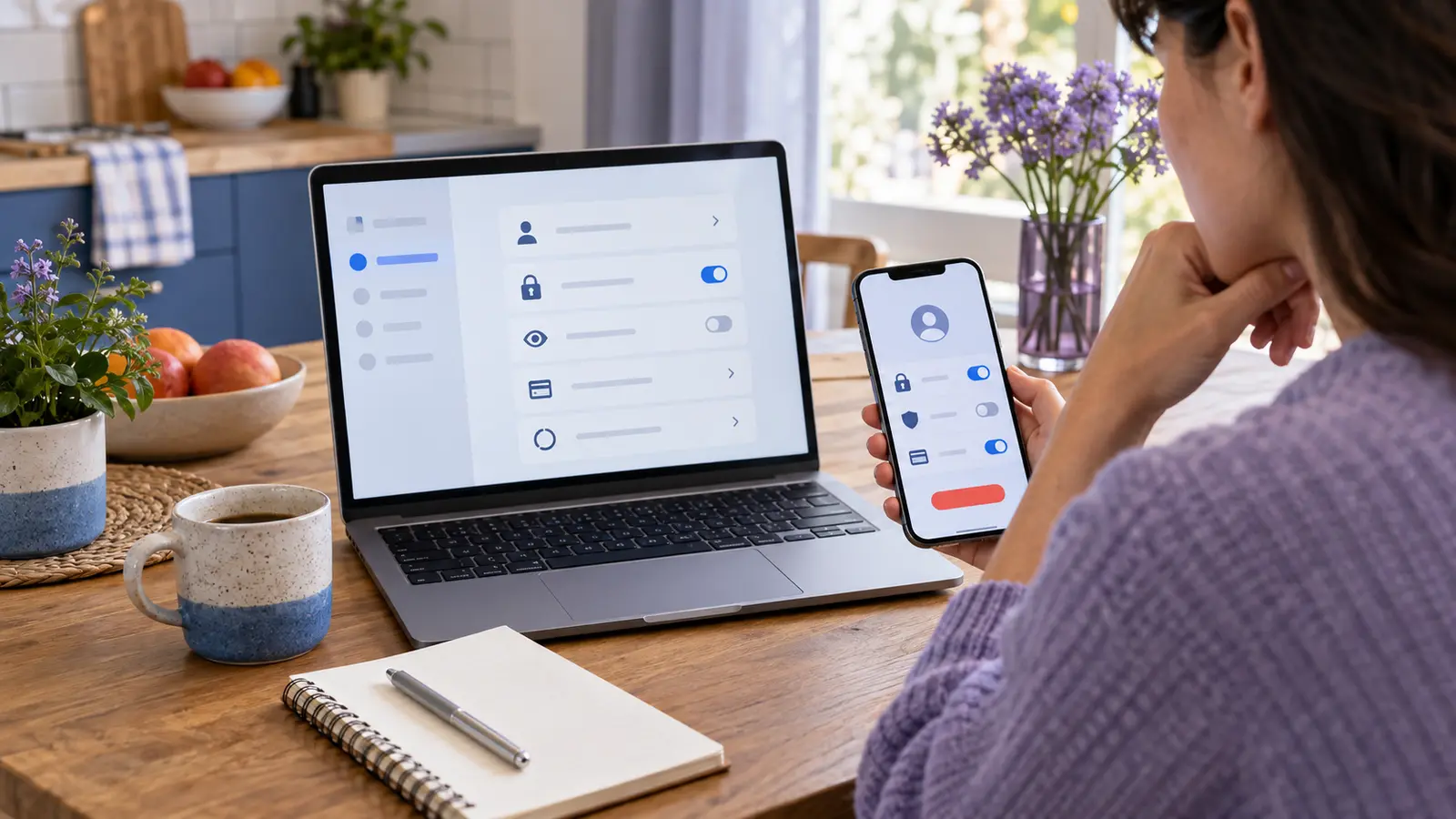
Some apps deserve extra care
Authenticator apps: Move each account or save the service’s recovery codes before deletion. Losing a time-based code generator without a second factor can lock you out.
Password managers: Confirm that another trusted device can open the current vault and that recovery information is safe. The article on how password managers work explains why an encrypted vault and its account recovery path must be treated separately.
Health and fitness apps: Data may exist in the app account, the phone’s health database and a connected wearable. Remove each connection deliberately; do not assume one deletion reaches all three.
Banking and payment apps: Uninstalling does not close a bank or wallet account. Remove a lost device through the provider’s security controls and follow its official closure process if needed.
Work or school apps: Organisational administrators may control data and device profiles. Export only material you are authorised to keep and contact IT before removing a required security or authentication app.
Smart-home apps: A removed phone app may leave devices, household members and cloud automations active. Transfer ownership or reset hardware according to the manufacturer’s verified instructions before selling it.
Frequently asked questions
Will reinstalling an app bring my data back?
It can. Data may return from an online account, cloud synchronisation or a platform backup. Information stored only in deleted local data will not return unless you made another copy.
Does deleting an app delete my login?
Usually not. The provider’s account remains unless you request account deletion. A password manager or operating system may also still remember the credential.
Can a deleted app still track my location?
The removed app cannot use device location services on that phone. Its company may retain earlier location data, receive information from another connected device or continue processing data under the account until you change those connections.
Does deleting an app free all of its storage?
It normally frees the app package and private local data. Exported files, shared media, system backups and cloud content can remain and use storage elsewhere.
Is clearing data the same as uninstalling?
No. Clearing data resets local app storage while leaving the software installed. Uninstalling removes the software too. Neither action necessarily deletes the online account.
How do I know whether my account was deleted?
Look for a confirmation from the provider, wait through any stated cancellation period and test only if the instructions say it is safe. Some services provide a deletion-status page or final email. Keep the reference without storing more personal information than necessary.
What happens to your data when you delete an app? A layered answer
What happens to your data when you delete an app? The local software normally disappears first. Private device files usually go with it, while exported files, backups, server records, linked accounts and subscriptions follow their own rules.
The safest habit is to treat deletion as a short departure process rather than one dramatic button. Export what you need, cancel billing, use the provider’s account-deletion control when appropriate, remove unnecessary account links, inspect shared files and then uninstall.
That sequence takes a few minutes, but it turns an ambiguous icon removal into an intentional decision about where your information should—and should not—remain.
Sources and further reading
- Apple Support — Delete apps on your iPhone or iPad
- Apple Support — How to check the storage on your iPhone and iPad
- Apple Support — If you want to cancel a subscription from Apple
- Apple Developer — Offering account deletion in your app
- Android Help — Delete apps on your Android device
- Android Developers — Data backup overview
- Google Play Help — Cancel, pause or change a subscription
- Google Account Help — Learn about linked apps
- Google Play Help — Understand app privacy and security practices
Editorial review pending
Editorial information
SOAKJAM articles are designed for clarity, useful context and transparent sourcing. Important facts should be checked against the linked primary sources.
Found an error, outdated detail or a useful source we should consider?