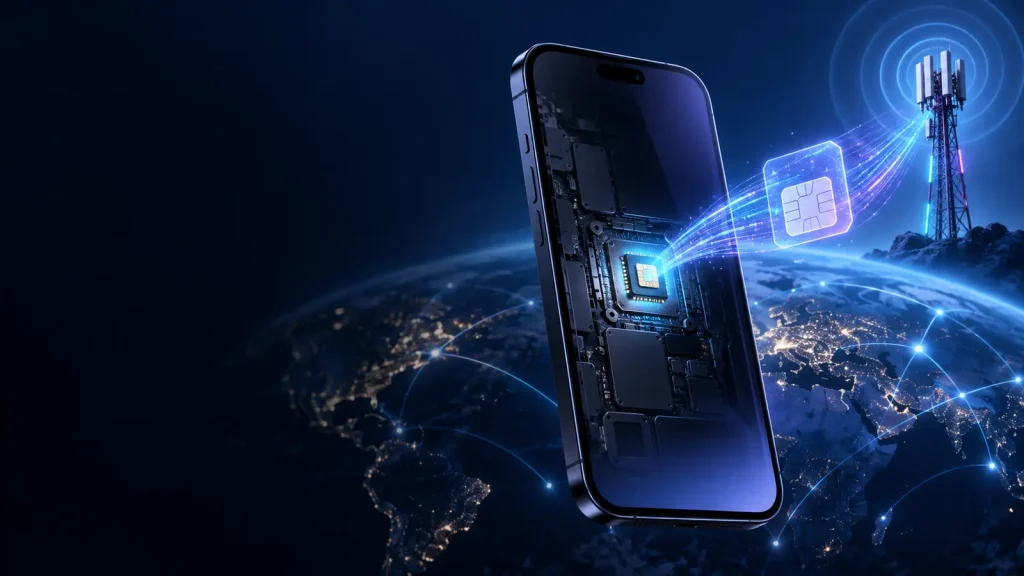

Why do smartphones overheat? A phone can become warm while charging, recording video or installing an update. That warmth is often normal: a compact computer is doing intensive work and releasing waste heat through its frame. Overheating is different. The temperature keeps rising, the device becomes uncomfortable to hold, charging pauses, the screen dims or a warning appears.
Why do smartphones overheat even though they have no engine or visible cooling fan? Every calculation, radio transmission, display pixel and battery reaction uses energy. Some of that energy becomes heat. A thin phone has little space to spread that heat, and hot surroundings can prevent it from escaping quickly enough.
Quick answer: Smartphones overheat when they generate or absorb heat faster than they can release it. Common causes include heavy processor and graphics use, charging, poor mobile signal, prolonged camera or navigation use, direct sun, a hot car, software activity and a damaged battery or charger. Modern phones reduce performance, dim the display or stop charging to protect themselves.
Smartphone heat at a glance
| Situation | Why it creates heat | Usually normal? |
|---|---|---|
| Initial setup or restoring a backup | Continuous downloading, indexing and app installation | Often, if temporary |
| Gaming or high-resolution video | Processor, graphics chip, memory and display work together | Some warmth is expected |
| Fast or wireless charging | Electrical losses and battery chemistry release heat | Mild warmth can be normal |
| Navigation in a sunny car | GPS, mobile data and bright display run while sunlight heats the phone | High overheating risk |
| Weak cellular signal | The modem works harder to maintain a connection | Can cause sustained warmth and battery drain |
| Swollen battery, smoke or unusual smell | Possible internal battery failure | Never normal; stop using it |
Heat is the by-product of useful work
A smartphone does not turn all incoming electrical energy into useful output. Its chips switch billions of tiny electronic pathways, the display produces light, radios create and receive electromagnetic signals, and the battery moves ions through internal materials. Electrical resistance and imperfect efficiency turn part of that energy into heat.
The amount matters. A phone doing a simple calculation for a fraction of a second generates little noticeable heat. A game rendering complex scenes 60 times a second keeps the application processor and graphics hardware active continuously. Energy use rises, so heat production rises too.
A faster chip can finish some tasks quickly and return to a low-power state, but sustained performance concentrates power in a very small area. Research on commercial mobile platforms has found the same basic relationship users feel in their hands: higher performance and power density raise the device’s surface temperature.
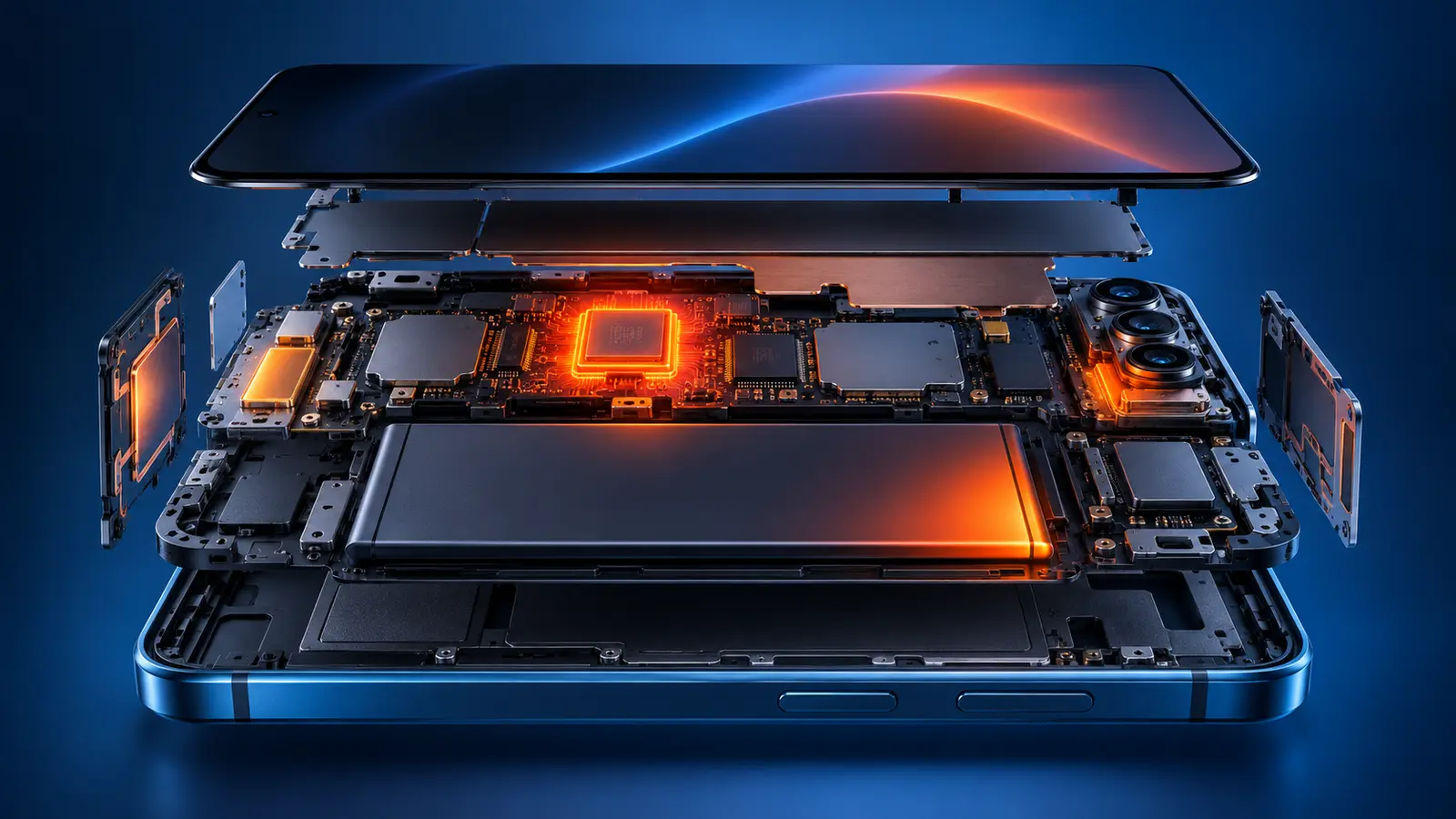
Phones normally lack the fans found in many laptops and desktop computers. Instead, they conduct heat through internal shields, graphite sheets, vapour chambers, metal frames and the rear surface.
Why do smartphones overheat? The main internal heat sources
The processor and graphics hardware
The system-on-chip contains the central processor, graphics processor and other specialised engines. Games, augmented reality, video editing, AI features and complex webpages can keep several of them busy at once. High frame rates and maximum graphics settings increase the workload.
The battery and charging circuit
A rechargeable lithium-ion battery warms because current passes through materials with internal resistance and because charging involves electrochemical processes. Faster charging moves more power and may create more heat, although the phone and charger are designed to negotiate safe limits.
Wireless charging adds another conversion step. Energy travels through magnetic coupling between coils, and alignment or foreign material can affect efficiency. More lost energy means more heat. The phone may therefore feel warmer on a wireless pad than during a slow wired charge.
SOAKJAM’s guide to how batteries store and release energy explains the underlying chemistry and why heat, damage and incorrect charging deserve attention.
The display
A bright screen consumes significant power, especially outdoors where automatic brightness may move close to its maximum. High refresh rates and always-on visual effects add demand. The display is rarely the only cause, but it can become an important part of a hot-weather combination.
Cellular, Wi-Fi and other radios
A modem draws power while transmitting and processing data. Large uploads, video calls, hotspot use and 5G activity can create sustained demand. When reception is weak, the phone may repeatedly search for service or transmit at higher power within its allowed range.
Bluetooth and GPS use energy too, but context matters. An idle, efficient Bluetooth connection may be minor. Continuous location tracking, navigation, a bright map, mobile data and charging at the same time create a much larger combined load.
Why do smartphones overheat during ordinary tasks?
Overheating often has no single dramatic cause. It appears when normal sources stack together.
Consider a phone mounted behind a windscreen. It is receiving direct sun, running turn-by-turn navigation, holding the display at high brightness, downloading traffic data over a weak cellular connection and charging. Each activity may be acceptable alone. Together, they generate heat while the surrounding air and sunlight make cooling difficult.
Other common combinations include:
- recording long 4K or high-frame-rate videos outdoors;
- gaming while fast charging;
- using a phone as a hotspot while uploading files;
- restoring a backup during first-time setup while charging;
- making a long video call in a warm room;
- placing a charging phone under bedding or inside a tightly enclosed bag.
Google, Apple and Samsung all list intensive apps, cameras, data transfers, navigation, setup and charging among situations that can make a device warm. The exact threshold and response vary by model.
Why do smartphones overheat more easily in hot surroundings?
A phone cools only when heat can move into a cooler environment. If the air, surface or sunlight around it is already hot, the temperature difference is smaller and heat leaves more slowly.
Apple and Samsung state that many of their mobile devices are designed for use in ambient temperatures from 0°C to 35°C. That is a manufacturer operating range, not a universal law for every phone, so check the manual for the model you own. A parked car can become much hotter than the outside air, and direct sunlight can heat a dark phone beyond the reported weather temperature.
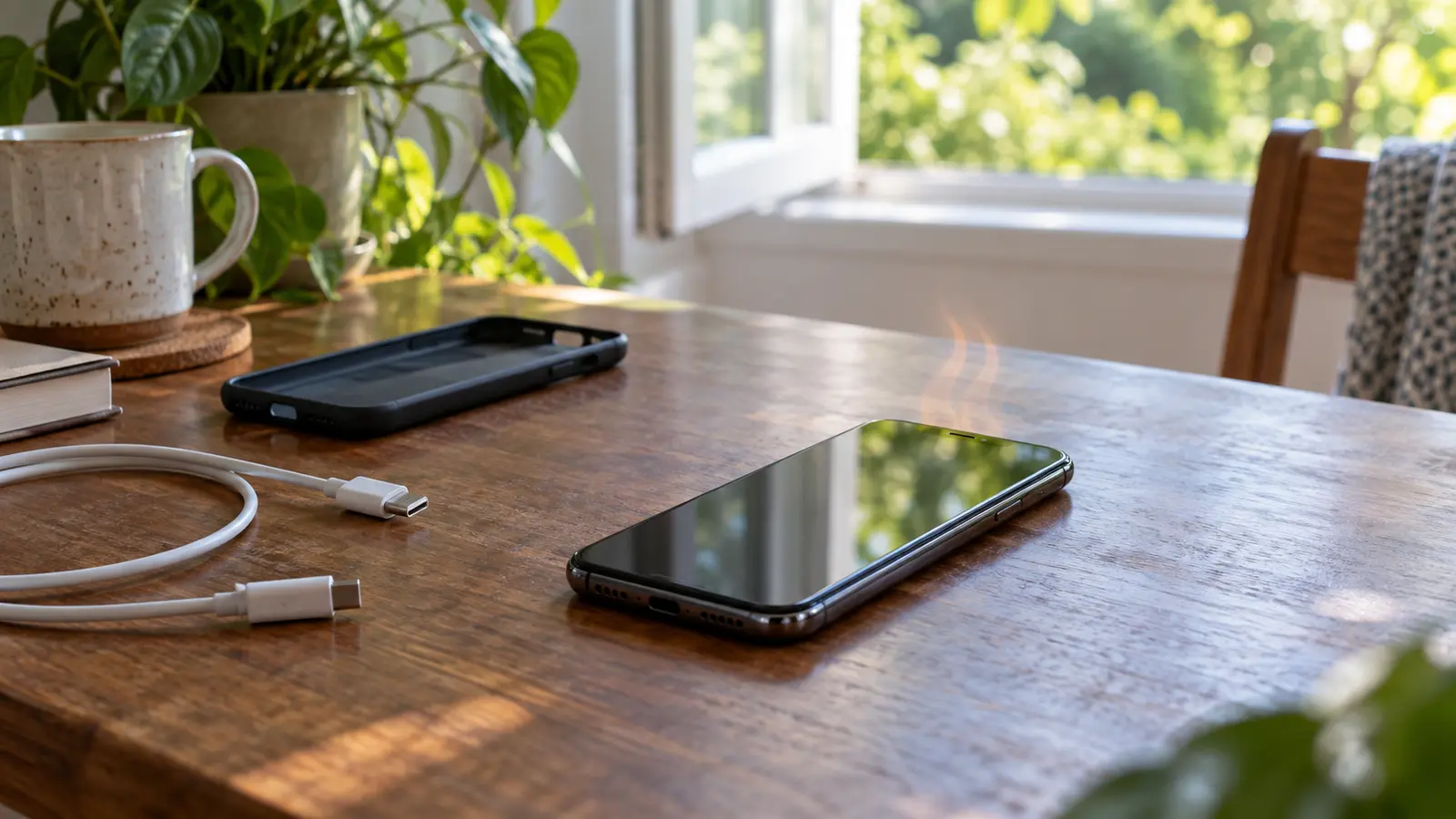
A case can affect cooling, but “cases cause overheating” is too broad. A well-fitted case used during ordinary tasks may cause no problem. A thick or insulating case can slow heat transfer during an already demanding activity. Removing it temporarily may help if the manufacturer recommends doing so and the phone can be placed safely on a dry, stable surface.
Warm, hot or dangerously hot?
There is no reliable universal touch test because people perceive temperature differently and phones place sensors in different locations. Behaviour provides better clues.
Usually temporary warmth
- The phone warms during setup, charging, gaming or video recording.
- It cools after the task finishes.
- No temperature warning appears.
- Charging, screen and performance behave normally.
The phone is actively protecting itself
- Charging slows or stops.
- The display dims or turns off.
- The camera flash or camera becomes unavailable.
- Games stutter or apps take longer to respond.
- Mobile data, Wi-Fi or 5G may be limited.
- A temperature warning or cooling notification appears.
- The phone shuts down.
These changes are called thermal management or thermal throttling. Sensors monitor internal conditions, and software reduces the work that produces heat. The slowdown is not necessarily a fault; it can be evidence that the protection system is working.
Signs that need urgent caution
- the case or screen is lifting because the battery has swollen;
- the phone hisses, crackles, smokes or gives off an unusual chemical smell;
- heat is extreme even when the device is idle;
- the phone was crushed, punctured, soaked or seriously dropped;
- a charger, cable or connector is visibly burnt or melted.
A lithium-ion battery failure can cause fire and burns. Do not press a swollen phone flat, puncture it or continue charging it. Move away from smoke or fire, call local emergency services and follow their instructions. If there is no immediate emergency, keep the device off and arrange assessment through the manufacturer or a qualified repair service.
Why do smartphones overheat despite thermal protection?
Modern phones use layers of protection. Sensors near the battery, processor and charging system detect rising temperature. Software can then lower processor speed, reduce frame rate and background work, dim the display, restrict cameras or radios, and slow or pause charging. A warning or shutdown is the final response when the device cannot cool sufficiently.
Apple, Google and Samsung describe variations of these controls. Exact behaviour is model-specific, but the goal is shared: reduce heat generation before the battery or other components are harmed. A temporary slowdown can therefore be evidence that protection is working, not that the phone has failed.
What to do when your phone overheats
Act calmly and reduce both incoming heat and internal work.
- Stop the demanding activity. End the game, video recording, navigation or hotspot session.
- Disconnect charging. Unplug the cable or remove the phone from the wireless pad if it is safe to do so.
- Move it out of sun or a hot car. Choose a shaded, dry, well-ventilated location.
- Remove an insulating case if appropriate. Set the phone on a hard, stable surface.
- Let the phone manage itself. If a warning says to wait or the device powers off, do not force it back into heavy use.
- Allow gradual cooling. Resume charging or intensive activity only after the phone returns to a normal temperature.
If you need communication during an emergency, prioritise calling for help over troubleshooting. Otherwise, leave the phone alone rather than repeatedly waking the screen to check it.
What not to do
- Do not use a refrigerator, freezer or ice. Rapid cooling can create condensation, while very low temperatures also interfere with batteries. Use shade or a cooler room and let the temperature fall gradually.
- Do not apply water or a wet cloth. Worn seals, open ports or earlier damage can defeat water resistance.
- Do not force charging through a temperature warning. The pause protects the battery; swapping equipment to defeat it adds risk.
- Do not cover the phone. Pillows, blankets and clutter trap heat. Charge on a firm, open surface.
- Do not trust a “cooler” app to refrigerate hardware. Software can reduce workload, but it cannot create a cold heat sink and may add background activity of its own.
How to investigate repeated overheating
One warm session after a major software update is different from daily overheating while the phone is idle. Use a simple process to find the pattern.
- Record the pattern. Note the activity, charger, signal strength, room temperature and case. A repeatable trigger is more useful than “it gets hot.”
- Review battery use. Look for an app consuming unusual energy, especially one installed or updated recently. Update it, restrict appropriate background work or remove it if the behaviour continues.
- Restart and update. A restart can end a stuck process. Stable system and app updates can correct runaway tasks, modem behaviour and charging controls. Temporary heat just after an update may come from indexing.
- Compare accessories safely. Use compatible, undamaged equipment. If heat appears only with one adapter, cable or pad, stop using it; do not experiment with random high-power chargers merely because the connector fits.
- Check signal and surroundings. Persistent weak reception, a sunny vehicle mount or a very warm room may explain the pattern.
- Seek service when it persists. Contact the manufacturer or a qualified repairer if the phone overheats while idle, repeatedly shuts down, will not charge normally, has impact or liquid damage, or shows swelling. Back up data only if the device remains safe to use.
How to reduce overheating in everyday use
- Keep the phone out of direct sun and never leave it in a parked car.
- Avoid the heaviest games, camera modes or navigation sessions while charging.
- Lower display brightness when maximum output is unnecessary.
- Prefer a strong Wi-Fi connection over weak mobile data when practical.
- Use a compatible, undamaged charger and cable.
- Charge on a firm, ventilated surface.
- Keep the operating system and apps current.
- Choose a case designed for the exact model and remove it temporarily if the manufacturer recommends that during hot charging.
- Pause between long high-resolution video clips in hot weather.
- Replace a damaged or swollen battery through an appropriate service channel.
These actions do not make a phone cold. They reduce the rate at which it produces or absorbs heat so its passive cooling can keep up.
Common myths about phone overheating
- “A hot phone must have a virus.” Bad software can create background work, but ordinary tasks, charging and the environment are more common. Diagnose from evidence.
- “Closing every app always cools it.” Stopping a stuck app can help; repeatedly force-closing everything may make the phone reload apps and cannot solve sunlight or a faulty charger.
- “5G always overheats phones.” Data transfers and weak coverage can add heat, but modem design, signal, software, workload and ambient temperature all matter.
- “Fast charging damages every battery.” Compatible systems negotiate power and reduce it when temperature rises. Incompatible or damaged equipment and hot surroundings are the greater concerns.
Frequently asked questions
Why do smartphones overheat while charging?
Charging moves energy through the adapter, charging circuit and battery, and some is lost as heat. Fast and wireless charging can feel warmer. Stop and investigate if the heat is extreme, charging repeatedly pauses or the battery is swollen.
Why does my phone overheat during video calls?
A video call can run the camera, display, processor, microphone, speaker and network radio continuously. Weak signal, high brightness, charging and a warm room add to the load.
Can a phone case cause overheating?
A case can slow heat transfer, especially if it is thick or poorly fitted, but it is rarely the sole cause. Remove it temporarily during an overheating event if doing so is safe and consistent with the manufacturer’s advice.
Is it safe to use a phone after a temperature warning disappears?
Usually, if it has cooled, looks undamaged and behaves normally. Resume demanding tasks gradually. Repeated warnings during light use should be assessed.
Does overheating permanently damage battery life?
Repeated or prolonged exposure to high temperature can accelerate battery ageing. Built-in charging limits and shutdowns reduce the risk but cannot make hot environments harmless.
When should I replace the battery or phone?
Seek service if the battery swells, the enclosure separates, heat appears during idle use, shutdowns repeat or runtime drops suddenly alongside unusual temperature. Do not continue using a physically damaged battery.
The balance between performance and cooling
Why do smartphones overheat? Because they concentrate a powerful computer, bright display, several radios and a rechargeable battery inside a thin object that mainly cools through its surface. Heat is inevitable; uncontrolled heat is not.
Most warmth has a clear, temporary cause. The phone finishes an update, the game ends or charging slows, and the temperature falls. When heat builds too quickly, thermal controls trade speed and convenience for safety. Respect those warnings, remove the source of heat and let the device cool gradually.
Persistent overheating, physical swelling, smoke or an unusual smell belongs in a different category. Stop using the device and seek qualified help. The useful question is not whether a phone ever becomes warm, but whether its heat matches the work it is doing and disappears when that work ends.
Sources and further reading
- Apple Support — If your iPhone or iPad gets too hot or too cold
- Apple Support — Understand thermally limited charging on iPhone
- Google Pixel Help — Help keep your Pixel phone from feeling too warm or hot
- Samsung Support — Keep your Galaxy device at its normal operating temperature
- Bhat, Gumussoy and Ogras — Power and Thermal Analysis of Commercial Mobile Platforms
- U.S. Consumer Product Safety Commission — Batteries and battery-charger hazards
Editorially reviewed
Editorial information
SOAKJAM articles are designed for clarity, useful context and transparent sourcing. Important facts should be checked against the linked primary sources.
Found an error, outdated detail or a useful source we should consider?