

An eSIM can connect a phone, tablet or watch to a mobile network without inserting a removable plastic card. The subscriber information still exists, but it is delivered as a protected digital profile to a secure chip built into the device.
This makes it easier to activate a plan remotely, keep more than one plan on a compatible phone and add travel data without carrying tiny cards. It does not mean that every eSIM plan works everywhere, that the phone is automatically unlocked, or that an internet seller becomes your mobile network.
Quick answer: An eSIM is an embedded, programmable SIM. Instead of moving a physical SIM between devices, you download an operator profile to secure hardware inside a compatible device. The profile identifies the subscription to the network. Availability, transfer rules, phone-number support and roaming depend on the device, carrier and plan.
eSIM at a glance
| Feature | Physical SIM | eSIM |
|---|---|---|
| Form | Removable card | Secure chip built into device |
| Activation | Insert provisioned card | Download operator profile |
| Changing plan | Replace or reprogram card | Add, enable, disable or delete supported profiles |
| Device support | Very broad | Requires compatible hardware, software and carrier |
| Travel use | Swap card or use roaming | Can add a second data profile while retaining home line |
What does a SIM actually do?
SIM stands for subscriber identity module. It stores credentials and information used to authenticate a subscription to a mobile network. The phone itself provides the radio, operating system and applications; the SIM connects that device to a particular subscriber relationship.
A removable SIM combines the secure element and operator profile in one card. An eSIM separates them. The embedded secure element remains in the device, while an authorized remote-provisioning system installs or manages operator profiles.
The GSMA eSIM program develops industry specifications for this remote provisioning. Consumer, machine-to-machine and Internet of Things deployments can use different architectures, so a phone guide should not be treated as a complete description of every embedded SIM.
How an eSIM is activated
- Confirm compatibility. The exact device model, software version and carrier must support eSIM.
- Obtain a plan. A carrier or service provider issues activation information, often through an app, account transfer, QR code or manual code.
- Start mobile-plan setup. The device contacts an authorized provisioning service over Wi-Fi or existing mobile data.
- Download the profile. The protected profile is installed in the embedded secure element.
- Register with the network. Once enabled, the subscription authenticates like a normal mobile line.
The QR code is usually an activation route, not a permanent picture of the full subscription. Treat it as sensitive. Do not post it publicly, and use only the carrier’s official instructions. Some activation codes work once or expire after transfer.
Can one phone store several eSIMs?
Many compatible phones can store multiple profiles, but the number that can remain active at the same time varies. A device may support one physical SIM plus one eSIM, two active eSIMs, or another combination. Radio hardware, local regulation and carrier configuration all matter.
Storing a profile is not the same as actively using it. A phone can keep an old travel profile disabled without connecting to that network. Deleting a profile can make reactivation difficult, so do not delete one merely because it is not currently selected.
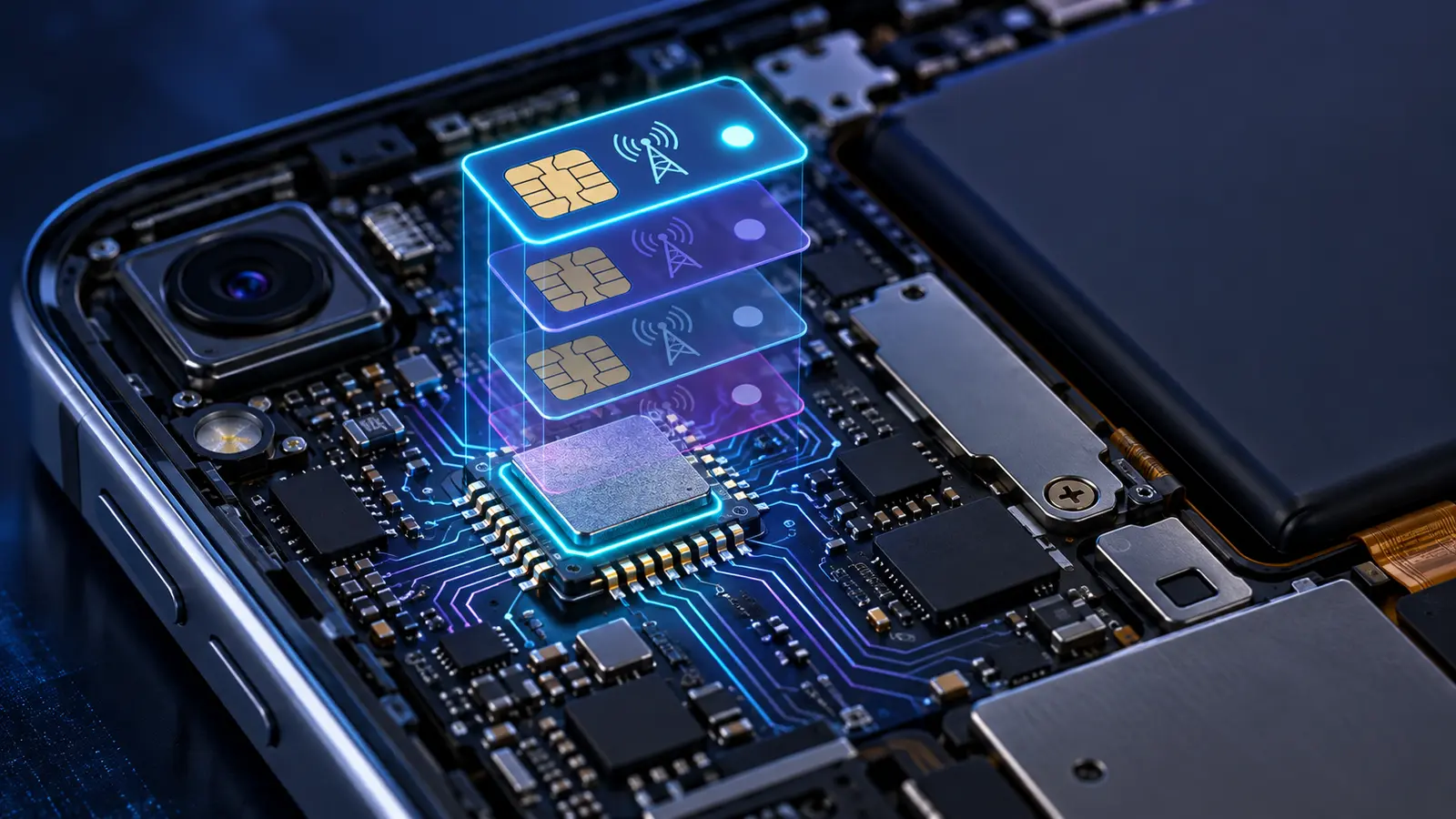
How dual SIM works
Dual SIM lets two subscriptions be available on one device. You might keep a personal number and a work number, or retain your home line for calls while using a travel eSIM for data. The phone’s settings normally let you choose default lines for calls, messages and mobile data.
“Dual SIM dual standby” usually means both lines can wait for incoming activity, but one line may become unavailable while the other is in an active call. Newer devices and networks can behave differently. Apple’s Dual SIM support guidance and the Android manufacturer’s manual should be checked for the exact model.
eSIM for international travel
Travel is the most visible consumer use. A traveler can buy a destination or regional data plan online, install it before departure and switch it on after arrival. The home line can remain present for messages or account verification.
Before buying, check:
- Whether the phone is carrier-unlocked and supports the provider’s network bands.
- Exactly which countries and networks are covered.
- Whether the plan includes only data or also calls, texts and a phone number.
- When the validity period starts—purchase, installation or first network connection.
- Whether tethering, top-ups and 5G are allowed.
- Which company handles support and refunds.
A travel eSIM is not automatically cheaper than roaming. Compare the total data allowance, validity, speed policy and convenience. A home carrier’s roaming package may include the phone number and support that a data-only travel plan lacks.
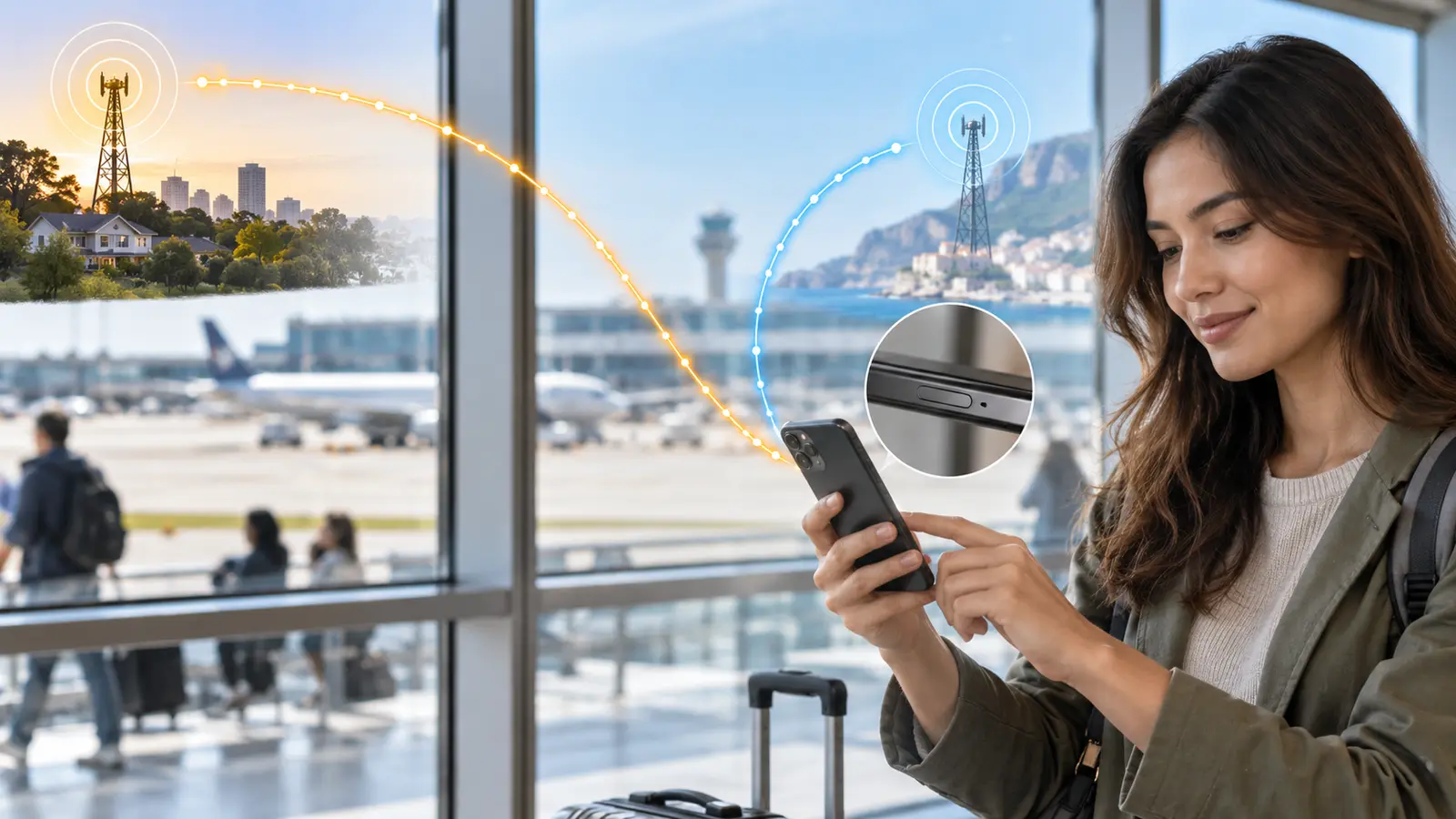
How to avoid roaming charges
Installing a travel profile does not automatically stop the home line from using data. Select the travel line as the mobile-data line and disable data roaming on the home line unless the home carrier instructs otherwise. Consider turning off automatic mobile-data switching, which may move data to the other line when coverage is weak.
Calls and SMS on the home number may still generate roaming charges. Wi-Fi calling behavior also varies: some phones can route the home line over the other line’s data, while others cannot. Confirm the carrier’s pricing before relying on that arrangement.
Does an eSIM improve signal or speed?
Not by itself. Signal and speed depend on the selected carrier, network technology, spectrum, congestion, device radios, location and plan restrictions. A physical SIM and eSIM using the same subscription should not inherently produce different radio performance.
An eSIM may make it easier to switch to a network with better local coverage. That convenience can improve the experience, but the improvement comes from the network choice, not the embedded format.
Is eSIM safer than a physical SIM?
The embedded chip cannot be removed and inserted into another phone, which can help after physical theft. Remote provisioning also uses protected, standardized processes. However, criminals can still target carrier accounts, social-engineer customer support, steal an unlocked device or trick a victim into approving a transfer.
The U.S. Federal Trade Commission’s SIM-swap guidance explains why a mobile number should not be the only protection for important accounts. Use a carrier account PIN, strong unique password and phishing-resistant authentication where available.
What happens when you change phones?
Some carriers and ecosystems support direct eSIM transfer during device setup. Others require a new activation code, carrier app or customer-service request. A profile cannot always be copied like a photo because the process must prevent two unauthorized devices from using the same subscription.
Before erasing or selling the old phone:
- Check the new device’s eSIM support and lock status.
- Read the carrier’s transfer instructions.
- Complete the transfer and test calls, messages and data.
- Confirm that account verification messages arrive.
- Only then remove the old profile and erase the old device.
Common activation problems
| Problem | Likely checks |
|---|---|
| “Plan cannot be added” | Device compatibility, carrier lock, reused or expired code, internet connection |
| No service | Profile enabled, correct network coverage, plan start date, account status |
| Data does not work | Correct data line, roaming setting, APN requirements, data allowance |
| Calls or SMS missing | Data-only plan, wrong default line, unsupported voice service |
| Transfer fails | Carrier transfer support, old phone access, software updates, identity verification |
Use official device guidance such as Google Pixel SIM setup or Apple eSIM setup, then contact the carrier named on the plan. Randomly deleting and rescanning can make a one-time code unusable.
eSIM in watches, tablets and connected devices
Wearables may share a phone number or use a companion plan. Tablets and laptops often use data-only subscriptions. Cars, sensors and industrial equipment use embedded connectivity because a remotely managed profile is easier than visiting every device to replace a card.
These uses demonstrate the broader idea: the subscription can be managed separately from the physical secure element. Enterprise and IoT processes are more complex than tapping “Add eSIM” on a phone and may involve fleet-management systems.
Should you choose eSIM or a physical SIM?
Choose based on the device, carrier and recovery needs rather than assuming one format is always superior.
- eSIM may suit you if you travel often, need two lines, prefer remote activation or use a device without a SIM tray.
- A physical SIM may suit you if you frequently move service among older phones, depend on carriers with limited eSIM support or want a removable fallback.
- A combination may be best if the phone supports both and you want flexibility.
Frequently asked questions
Does eSIM give me a phone number?
Only if the purchased plan includes one. Many travel eSIMs are data-only.
Can I use WhatsApp with a travel eSIM?
Messaging apps normally continue using the registered account while connecting through the new data line. Keep access to the registered number in case the app requests verification.
Can I install an eSIM before traveling?
Often yes, but confirm when the validity period begins. Some plans start on installation; others start on first connection.
Does deleting an eSIM cancel the plan?
Not necessarily. Deletion removes the profile from that device; billing may continue until canceled with the provider.
Can an eSIM work without Wi-Fi?
After activation it uses the mobile network. Initial download usually needs an internet connection through Wi-Fi or another active line.
Final summary
An eSIM performs the subscriber-authentication role of a SIM through a downloadable profile stored in secure hardware. It can simplify activation, dual-line use and travel, but compatibility and plan details still decide what works.
Check the exact model, carrier lock, coverage, inclusions and activation rules before paying. In remote areas, compare cellular coverage with the different trade-offs explained in how satellite internet works. Keep the profile until a transfer is complete, control which line uses data, and protect the carrier account. The technology is convenient; careful setup prevents most expensive surprises.
Transparency
Sources & references
Editorially reviewed
Editorial information
SOAKJAM articles are designed for clarity, useful context and transparent sourcing. Important facts should be checked against the linked primary sources.
Found an error, outdated detail or a useful source we should consider?