
How does Bluetooth work? A phone, pair of earbuds, keyboard or sensor uses short-range radio signals to discover compatible devices, establish a trusted connection and exchange information. Instead of sending every signal on one fixed frequency, Bluetooth rapidly uses different channels within the 2.4 GHz band, helping nearby devices communicate in a busy radio environment.
Bluetooth is not a miniature internet connection. It is a wireless system for personal-area links: audio, controls, small data transfers, measurements and low-power devices. Products from different manufacturers can work together when they support the same features and profiles.
Quick answer: Bluetooth turns digital information into organized radio transmissions. Devices discover one another, agree on supported functions, create security keys when pairing is required and exchange packets over short distances. Bluetooth Classic and Bluetooth Low Energy use related but different methods for audio, accessories, sensors and other jobs.
How does Bluetooth work in simple terms?
At the simplest level, how does Bluetooth work? One device acts as the connection initiator or central device, while another advertises its availability or becomes discoverable. After they agree to communicate, their radios follow the same timing, channel and packet rules. Higher software layers decide what the information means.
The Bluetooth Special Interest Group, or Bluetooth SIG, maintains the specifications that allow qualified products to interoperate. Its official technology overview describes Bluetooth as a family of wireless solutions supporting audio streaming, data transfer, location services and large networks of connected devices.
A radio chip transmits and receives. A controller manages channels and timing. Software manages connections, security and services. Applications use those services to play headphone audio, read a sensor or accept a key press.
What Bluetooth is—and what it is not
Bluetooth is a wireless personal-area technology designed as a cable replacement for nearby devices, emphasizing robustness, low power and low cost. It uses unlicensed spectrum, so Bluetooth itself requires no cellular subscription.
People asking “how does Bluetooth work?” sometimes confuse it with Wi-Fi. Both can use the 2.4 GHz band, but they are built for different purposes. Wi-Fi usually connects a device to a local network and router, while Bluetooth commonly connects nearby devices directly or through a small personal network. SOAKJAM’s guide to how Wi-Fi works explains that separate local-network path.
Bluetooth can work perfectly when the internet is unavailable. Wireless headphones can play music already stored on a phone, a keyboard can type, and a sensor can report data locally. An app may still need the internet for streaming, cloud storage or account services, but that requirement belongs to the app rather than the Bluetooth radio link.
How does Bluetooth work during discovery and pairing?
1. A device announces or reveals its presence
Bluetooth Low Energy devices transmit short advertising packets that nearby scanners detect. Bluetooth Classic uses its own discovery procedures. A product may advertise at intervals or only after you press a pairing button. Limiting discoverability saves energy.
2. The devices identify supported functions
Seeing a device name does not guarantee useful compatibility. Products must support matching profiles, services and roles. A phone and earbuds understand audio; a fitness sensor may provide standardized measurement data.
3. Pairing creates security information
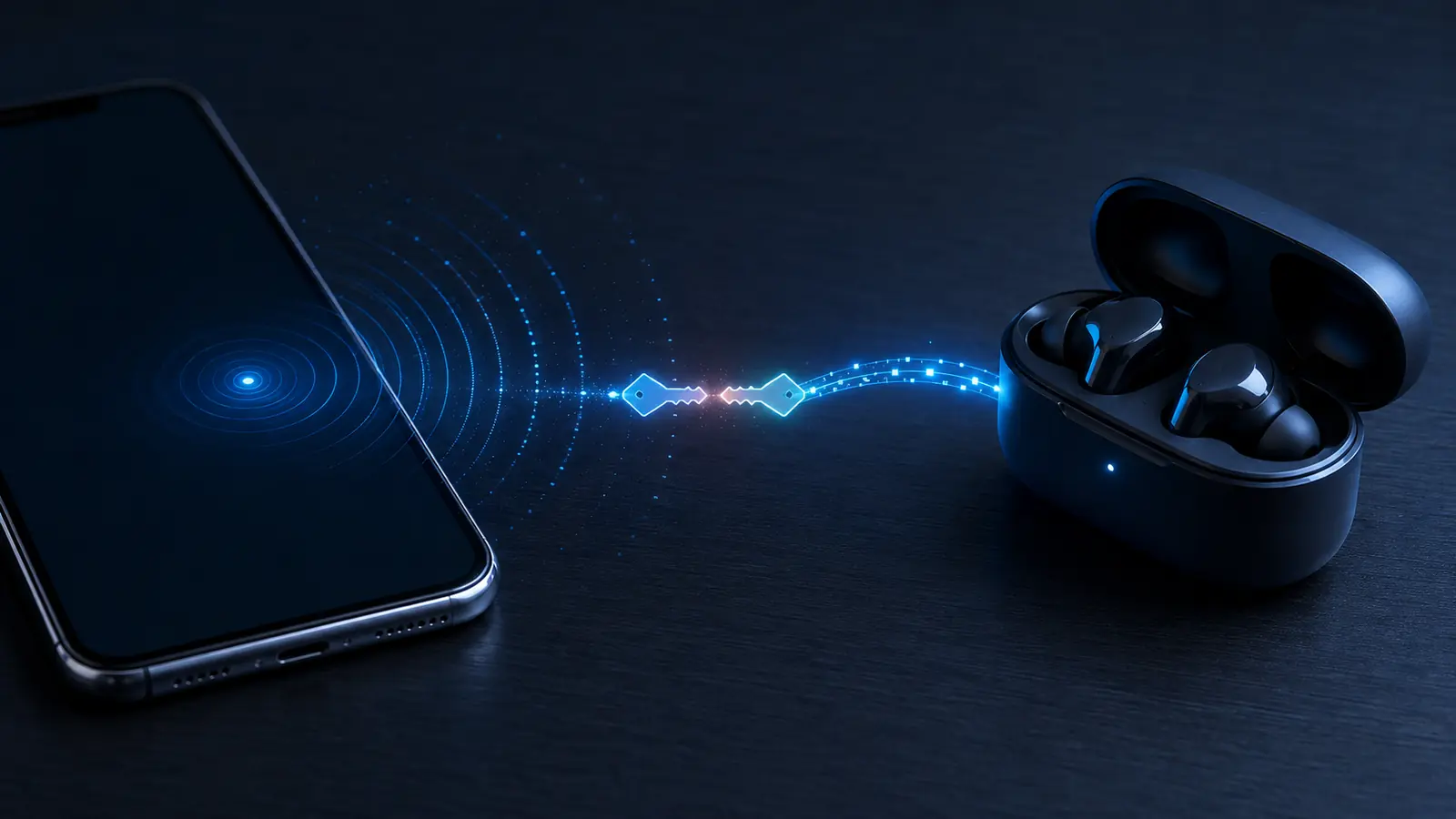
Pairing creates shared secret keys. You may confirm matching numbers, enter a passkey, use an out-of-band method such as NFC, or approve without entering information. The method depends on both devices’ input, display and security capabilities.
4. Bonding remembers the relationship
Pairing creates keys; bonding stores them for later use. Bonded headphones can reconnect without repeating the setup. Removing a saved device deletes that relationship and normally requires pairing again.
5. The devices open a useful connection
Once authenticated, products enable shared services. Audio devices negotiate a path and codec; a keyboard reports key events; a Low Energy sensor exposes information an app can read, write or monitor.
How does Bluetooth work in crowded radio space?
Bluetooth operates in the 2.4 GHz industrial, scientific and medical band, which is also used by Wi-Fi and other equipment. The band can be busy, but Bluetooth does not simply remain on one frequency and hope for a clear path.
It divides the available spectrum into channels and changes the channel used for successive transmissions. Bluetooth Classic uses a frequency-hopping system across its set of channels. Bluetooth Low Energy uses 40 radio-frequency channels spaced 2 MHz apart; the Bluetooth LE physical-layer specification places them from 2402 to 2480 MHz.
Adaptive frequency hopping helps connected devices identify channels affected by interference and concentrate activity on channels that are performing better. The Bluetooth SIG’s explanation of adaptive frequency hopping describes how this supports reliability when other radio systems occupy parts of the band.
Hopping does not make Bluetooth immune to interference. Damaged packets may be retransmitted, reducing throughput or disturbing audio. Short packets, channel changes and error checks nevertheless improve resilience.

Bluetooth Classic and Bluetooth Low Energy
Modern devices may support Bluetooth Classic, Bluetooth Low Energy—usually shortened to Bluetooth LE—or both. They share the Bluetooth name and 2.4 GHz spectrum, but they are separate radio systems with different procedures and strengths.
| Feature | Bluetooth Classic | Bluetooth Low Energy |
|---|---|---|
| Design focus | Continuous connections and established high-duty applications | Low energy use, short bursts, flexible connected and connectionless communication |
| Common examples | Traditional wireless audio, vehicle audio and some controllers | Wearables, sensors, beacons, trackers, smart-home devices and newer audio |
| Audio approach | Classic Audio profiles | LE Audio with compatible products |
| Idle behavior | Designed around established Classic procedures | Can spend long periods sleeping between short radio events |
The Bluetooth SIG’s comparison of Bluetooth Classic and Bluetooth LE emphasizes that they are optimized for different uses. “Low Energy” does not mean weak or incomplete. It describes an architecture built to perform useful work while allowing compatible devices to keep the radio inactive much of the time.
A version number alone does not reveal supported functions. Many features are optional, requiring the relevant radio capabilities, profiles, services, software and controls. Product specifications should name the functions that matter.
How does Bluetooth work for wireless audio?
A phone does not usually transmit the original audio file unchanged. It decodes the music or call audio, converts it into a stream suitable for the selected Bluetooth audio codec and sends encoded packets to the receiving device. The headphones buffer, decode and convert that stream into sound.
Bluetooth Classic Audio has long handled headphones, speakers and in-car systems through established profiles. LE Audio uses the Bluetooth Low Energy radio and introduces the LC3 codec, isochronous channels, multi-stream capabilities and broadcast audio. The Bluetooth SIG’s LE Audio overview explains these capabilities and Auracast broadcast audio.
Both devices must support the same audio method and compatible codecs. If several codecs are available, they negotiate one they share. Sound quality then depends on the source, codec settings, radio conditions, receiver design and speakers—not only the Bluetooth name printed on the product.
Audio delay comes from encoding, packet scheduling, buffering, decoding and the playback system. Video apps can often compensate by delaying the picture to match the sound. Games and live instrument monitoring are harder because actions must be heard immediately. Low-latency performance is a product feature, not a guarantee of every Bluetooth connection.
Why Bluetooth Low Energy can save power
A small sensor may need to report only a few bytes every minute. Keeping its radio active continuously would waste battery. Bluetooth LE allows devices to send brief advertisements, establish efficient connections and sleep between scheduled communication events.
The connection interval, advertising interval, packet size, transmit power and amount of data all affect energy use. Longer gaps can save power but may make a device respond more slowly. Product designers balance battery life, responsiveness, range and reliability for the intended task.
Bluetooth LE can also communicate without maintaining a traditional one-to-one connection. Advertising can announce presence or carry small pieces of information, while broadcast and mesh designs serve other patterns. These options are why Bluetooth appears in products ranging from coin-cell sensors to phones and industrial equipment.
Profiles and services make devices understand each other
The radio link moves bits, but a shared specification gives those bits meaning. Profiles describe how devices behave for a particular use. Bluetooth LE services organize information into characteristics that can be discovered, read, written or used for notifications.
Examples include keyboard and mouse input, audio control, battery information and measurement services. Manufacturers can also create custom services for their own apps. A generic phone may see such a device but need the manufacturer’s software to interpret its private data.
This explains why two products can both support Bluetooth yet fail to perform the expected task. A television that supports audio output may not support a Bluetooth keyboard profile. Earbuds that support audio may not expose every control to every operating system. Compatibility depends on the complete feature set at both ends.
How does Bluetooth work at different ranges?
Bluetooth has no single universal range. The reliable distance depends on transmit power, receiver sensitivity, antenna design, physical orientation, data rate, radio noise and obstacles. According to the Bluetooth SIG’s official range explanation, effective links can span from less than a meter to more than a kilometer in very different designs and environments.
Consumer headphones and keyboards are normally intended for a room or nearby area, not maximum-distance operation. Walls, metal and the human body can weaken or reflect 2.4 GHz energy. Water absorbs energy in this region, so covering a phone or earbud antenna with the body can change performance.
Both devices must hear each other, and regulations limit radio output. Antenna design and receiver sensitivity can matter as much as transmit power. Read long-range claims together with the environment and data-rate test conditions.
Why Bluetooth disconnects or sounds poor
- Distance or obstacles: the received signal becomes too weak or distorted.
- Radio congestion: busy Wi-Fi and many nearby devices reduce clear airtime.
- Low battery: a device may reduce performance or shut down unexpectedly.
- Software state: stale pairing data, driver errors or firmware bugs disrupt reconnection.
- Feature mismatch: products fall back to a common profile or codec with different behavior.
- Competing connections: multipoint switching or another saved device takes control.
- Physical antenna position: a pocket, hand, case or device orientation blocks the strongest path.
For audio, a damaged packet may be retried, concealed or dropped depending on timing and implementation. This can produce a brief click, silence or reduced quality. For a keyboard or sensor, the same radio problem may appear as delayed input or a missed update instead.
How to improve Bluetooth reliability
- Move the devices closer and remove obvious metal or body obstructions.
- Charge both products and restart them to clear a temporary software fault.
- Disconnect unused Bluetooth devices that may compete for control.
- Install operating-system, driver and accessory firmware updates.
- Remove the saved device and pair again if the stored relationship appears corrupted.
- Test away from a busy router, microwave oven or crowded workspace.
- Check that both products support the required profile, codec or multipoint feature.
Change one condition at a time. If the problem occurs only with one phone, application or accessory, the cause is more likely specific to that product or software. If every device fails in the same place, distance or local interference is a stronger suspect.
How to use Bluetooth securely
Pair devices in a private, controlled place when possible. Confirm that names and displayed numbers match the equipment in front of you, and reject unexpected pairing requests. Do not leave a product permanently discoverable unless its purpose requires it.
Keep phones, computers and accessories updated. Remove saved relationships you no longer use, especially before selling or giving away a device. Turn Bluetooth off when it is not needed in a high-risk environment, but remember that modern operating systems may provide separate controls for apps, scanning and active connections.
NIST’s Guide to Bluetooth Security describes Bluetooth security capabilities and recommends secure configuration, strong pairing choices and appropriate device management. Bluetooth encryption helps protect a link, but users and manufacturers must still configure products safely and install security updates.
Bluetooth compared with Wi-Fi, NFC and mobile data
| Technology | Main purpose | Typical relationship |
|---|---|---|
| Bluetooth | Personal-area audio, accessories, sensors and nearby data | Direct or small-network short-range connection |
| Wi-Fi | Local networking and high-throughput internet access | Device connects through an access point or peer link |
| NFC | Very short-range identification, tap interactions and setup | Devices or tags operate within centimeters |
| Mobile data | Wide-area internet through a cellular operator | Phone or modem connects to the operator’s network |
The systems can cooperate. NFC may simplify initial pairing, Bluetooth may connect the accessory, Wi-Fi may carry high-volume local traffic, and mobile data may provide internet access. Choosing one does not automatically disable the others.
Bluetooth Core 6.3 and newer capabilities
Bluetooth specifications continue to evolve. Bluetooth Core Specification 6.3 was adopted in May 2026. The official Core 6.3 specification page describes the current interoperable foundation, while its associated overview highlights improvements to ranging precision, interface capacity and radio efficiency.
A core version is not a simple consumer performance score. Support for a specification version does not mean a product implements every optional feature. The Bluetooth SIG advises manufacturers to communicate the specific capabilities a product supports rather than using the core version alone as a feature claim.
One newer area is Channel Sounding, which allows compatible Bluetooth LE devices to make more secure and accurate distance measurements than simple signal-strength estimates. That can support digital keys and item-finding experiences, but it does not replace satellite navigation. SOAKJAM’s guide to how GPS works explains how global satellite positioning performs a different job.
Frequently asked questions
How does Bluetooth work without internet?
The devices communicate directly through their Bluetooth radios. Internet access is needed only when an application or service must reach an online source, such as streamed music or cloud data.
Does Bluetooth use mobile data?
Bluetooth itself does not consume a cellular data allowance. An app using the Bluetooth connection may separately download or upload information through Wi-Fi or mobile data.
Can Bluetooth connect to several devices at once?
Bluetooth supports several connection patterns, but the practical number and simultaneous functions depend on the hardware, operating system, profiles and product design. Multipoint audio is a specific feature and is not guaranteed on every device.
Why is my Bluetooth audio delayed?
The source must process and encode audio, schedule radio packets, and the receiver must buffer and decode them. Applications can compensate for video, but interactive tasks reveal the delay more clearly.
Does leaving Bluetooth on drain the battery?
Any radio activity uses energy, but modern idle scanning and Bluetooth LE can be efficient. Continuous audio, frequent scanning, poor signal conditions and active data transfer use more power than an idle radio.
Why will two Bluetooth devices not connect?
They may lack a shared profile or role, already be connected elsewhere, have stale pairing records, be outside useful range or require a specific app. Confirm compatibility before repeatedly resetting the products.
The short version
So, how does Bluetooth work? Nearby devices discover compatible functions, establish security when needed and exchange short radio packets across changing channels in the 2.4 GHz band. Profiles and services tell each device how to interpret the information.
Bluetooth Classic remains important for established applications, while Bluetooth Low Energy supports efficient sensors, accessories, newer audio and other connection patterns. Range, quality and battery life depend on the specific features, antennas, environment and software at both ends—not on the Bluetooth name alone.
Transparency
Sources & references
- Bluetooth SIG — Bluetooth Technology Overview
- Bluetooth SIG — Bluetooth Core Specification 6.3
- Bluetooth SIG — Bluetooth Low Energy Primer
- Bluetooth SIG — Bluetooth LE Physical Layer Specification
- Bluetooth SIG — Adaptive Frequency Hopping
- Bluetooth SIG — Bluetooth Classic and Bluetooth Low Energy
- Bluetooth SIG — LE Audio Overview
- Bluetooth SIG — Understanding Bluetooth Range
- Bluetooth SIG — Bluetooth Security Architecture
- NIST — Guide to Bluetooth Security
Editorially reviewed
Editorial information
SOAKJAM articles are designed for clarity, useful context and transparent sourcing. Important facts should be checked against the linked primary sources.
Found an error, outdated detail or a useful source we should consider?